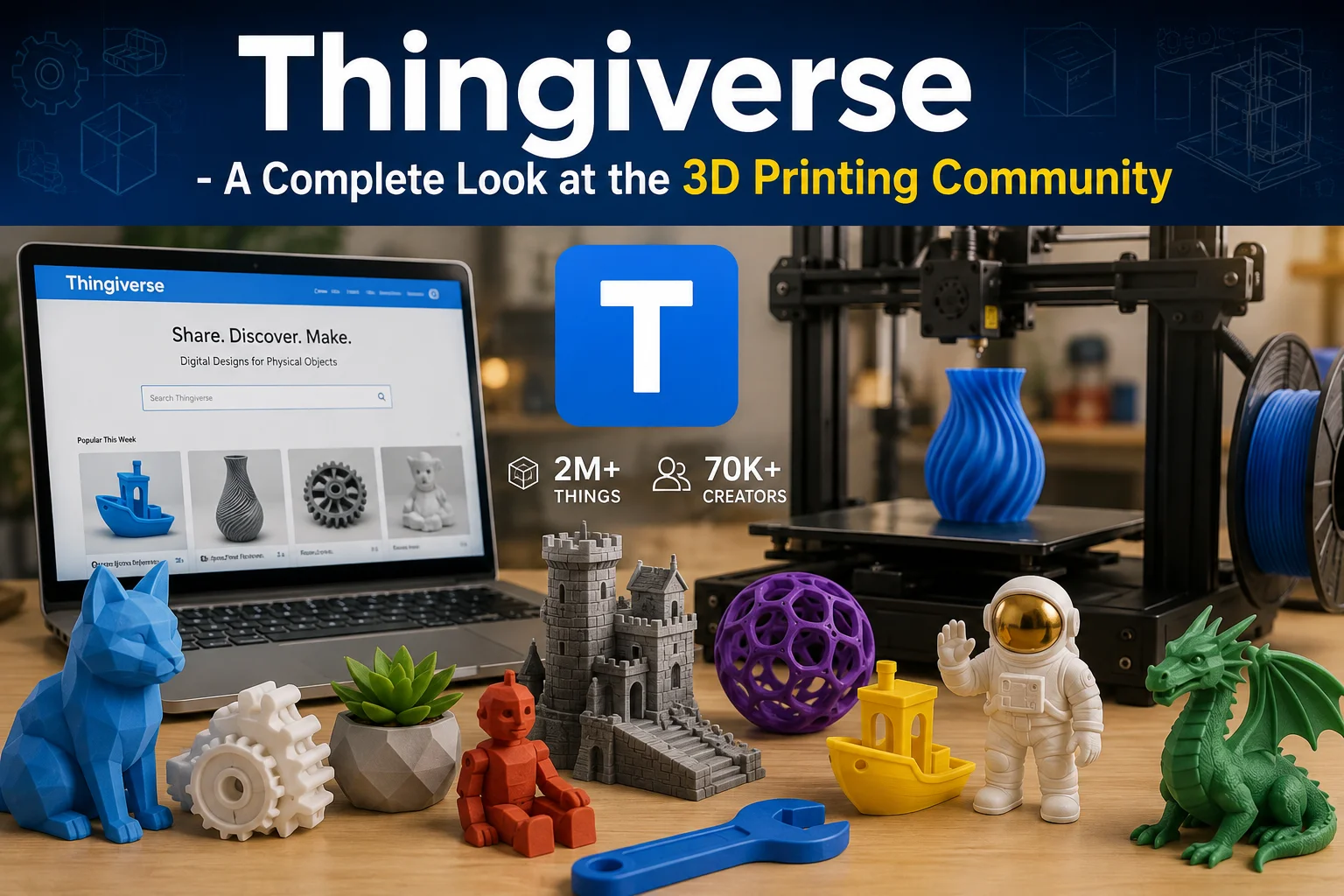
Thingiverse – A Complete Look at the 3D Printing Community
3D printing has made it easier for people to turn digital ideas into physical objects, but finding useful designs is not always simple. This is where Thingiverse has built its place in the maker community. The platform brings together 3D-printable designs created by people around the world, giving users a place to discover models, download files, share their own work, and see how other makers have used a design.
Rather than being only a library of downloadable models, Thingiverse has developed around the idea of sharing and modifying designs. Users can explore everything from practical household objects and tools to toys, models, educational projects, and artistic creations. The platform currently lists more than 2 million Things and more than 70,000 creators across its categories.
What Is Thingiverse?
Thingiverse is an online community and platform focused on 3D-printable designs. It allows designers to publish their creations while giving other users a way to find, download, print, collect, comment on, and remix those designs.
A typical design page can contain much more than a single 3D file. Depending on the creator, it may include photographs of completed prints, several model files, printing instructions, descriptions, tags, comments, and information about the license attached to the design.
The platform is useful for both people who already know how to work with 3D printers and those who are still exploring the hobby. Someone looking for a replacement part, a small organizer, a decorative object, or a simple model can search through existing designs instead of creating everything from scratch.
Thingiverse also has a strong community element. Users can follow creators, interact with designs, save interesting projects to collections, and share their own results. Its categories include areas such as 3D printing, art, fashion, gadgets, hobbies, household items, learning, models, tools, and toys and games.
How The Platform Works?
The basic idea is fairly straightforward. A creator develops a 3D model and uploads it to the platform. Other users can then view the design and, where the license allows it, download the files for their own projects.
The process usually involves a few simple stages:
- Create: A designer makes a 3D model using suitable modeling software.
- Upload: The finished files, images, description, and other information are added to Thingiverse.
- Discover: Other members find the design through search, categories, tags, collections, or community activity.
- Download: Users can obtain the available files and prepare them for their own printers.
- Make: The digital model becomes a physical print.
- Share: Users can post photographs and details of their completed prints.
- Remix: When permitted by the original license, another creator can modify the design and build something new from it.
This cycle is one of the reasons the platform has remained useful to makers. A design does not necessarily stop developing after its original upload. Someone may print it, discover a problem, change part of the model, and create a revised version for another user.
Finding 3D Models on Thingiverse
One of the biggest advantages of Thingiverse is the sheer variety of designs available. With millions of Things on the platform, users can often find several approaches to the same basic idea.
Search is particularly useful when someone already knows what they need. A user might search for a particular type of tool, miniature, replacement part, storage solution, or decorative object. Categories and tags can then help narrow down the results.
However, the first result is not always the best choice. Before downloading a model, it is worth looking at the information provided by the creator.
Some useful things to check include:
- Photos of actual completed prints
- Comments from other users
- The number of makes or remixes
- Included printing instructions
- Available file formats
- Required supports or special settings
- The stated license
- Any known limitations mentioned by the creator
These details can tell you much more about a model than a preview image alone. A design may look great in a digital render but require complicated supports or particular printer settings.
Categories and Types of Designs
Thingiverse covers a wide range of interests, which makes it useful beyond traditional hobby models. Its current categories include 3D printing, art, fashion, gadgets, hobby projects, household items, learning, models, tools, toys and games, and other designs.
Household designs, for example, can include organizers, holders, hooks, brackets, and other practical objects. Tool-related models can offer small workshop accessories or components. In the models and toys sections, users can find figures, creatures, vehicles, games, and other projects.
Educational designs are another interesting part of the platform. Three-dimensional models can make certain subjects easier to understand because students can physically handle and examine an object rather than viewing it only on a screen.
The variety also makes Thingiverse a useful source of inspiration. You do not always need to arrive with a specific project in mind. Browsing different categories can reveal ideas that can later be adapted for your own needs.
Downloading and Printing a Design
Finding a model is only the first part of the process. A downloaded file still needs to be prepared for a specific 3D printer.
Most users will need slicing software to convert the model into the instructions their printer understands. The exact settings depend on the printer, filament, model geometry, and desired result.
Before starting a print, it is sensible to consider:
- Model size: Check whether the design fits your printer’s build area.
- Orientation: The position of the model can affect strength and surface quality.
- Supports: Some shapes need additional support material during printing.
- Layer height: This affects both print quality and printing time.
- Infill: Different infill levels can change the balance between strength, weight, and material use.
- Material: Make sure the selected filament is suitable for the design and intended purpose.
Thingiverse has also supported integrations with printing-related applications. Its apps section includes tools and services designed to help users search, manage, customize, or print models.
Sharing Your Own Designs
Thingiverse is not only for downloading other people’s work. Designers can use the platform to publish their own models and build a public presence within the maker community.
A good design page should give people enough information to understand what they are downloading. Clear photographs are especially useful because they show what the finished object looks like outside the modeling software.
A strong upload can include:
- A clear title
- A useful description
- High-quality photographs
- The necessary model files
- Printing instructions
- Recommended settings
- Relevant tags
- Information about the design’s license
- Notes about revisions or known issues
This makes the project easier for other users to understand and reproduce.
Creators can also benefit from seeing how people use their work. Comments, makes, and remixes can provide practical feedback that may not be obvious when a designer is working on a model alone.
Remixing Designs
Remixing is an important part of the Thingiverse culture. Instead of treating an existing model as a finished product, users can sometimes take it as a starting point for another idea.
For example, a designer might change the dimensions of an object, combine two existing concepts, add a new feature, or redesign part of a model for a different purpose. Thingiverse’s challenge materials also show how the platform uses its “Remix This” functionality to connect derivative projects with their source designs.
However, remixing is not simply a matter of downloading a file and changing it. The original design’s license matters. Users should check what the creator permits before modifying, redistributing, or using a model for commercial purposes.
This is one of the areas where reading the design page carefully can prevent problems later.
Understanding Licenses
Licensing is an important part of using shared 3D models. Different creators can place different conditions on their work, so users should never assume that every downloadable design can be used in exactly the same way.
Thingiverse supports several license options. In 2026, the platform also added support for CERN Open Hardware licenses, which are specifically intended for sharing open-source hardware projects. Thingiverse states that if a creator does not manually select a license, the design is shared under a Creative Commons Attribution-ShareAlike license by default.
Before using a design, pay attention to questions such as:
- Can the model be modified?
- Can modified versions be shared?
- Is commercial use allowed?
- Does the creator require attribution?
- Are there specific requirements for derivative works?
Taking a moment to understand these conditions is especially important when a model will be used outside personal projects.
Collections and Community Interaction
Not every useful feature on Thingiverse is about downloading files. The platform also gives users ways to organize and interact with the content they discover.
Collections can be useful when someone finds several models that they want to save for later. Instead of trying to remember individual designs, users can organize interesting Things in one place.
Community interaction also happens through comments, likes, follows, and shared makes. Seeing another person’s finished print can provide useful information about how a model performs in practice.
The platform’s community structure is also visible through its forums and challenges. Thingiverse currently provides dedicated areas for discussion and design challenges, giving creators opportunities to share ideas and participate in projects beyond ordinary model uploads.
Thingiverse and Its New Direction in 2026
Thingiverse has entered a new stage in its history. In February 2026, the platform announced that it was joining the MyMiniFactory family. According to Thingiverse, its existing open-sharing culture would remain, and free models would continue to be free rather than being placed behind a paywall.
The change also introduced a stronger focus on creators and human-made designs. Thingiverse said it would become a SoulCrafted platform and planned to reduce and eventually eliminate AI-created designs from the site.
For users, the important point is that Thingiverse continues to position itself around accessible 3D-printable designs and community participation while its ownership and direction evolve.
Why Does Thingiverse Still Matters to Makers?
The value of Thingiverse is not simply the number of models available. Its biggest strength is the connection between digital design and real-world making.
A beginner can use an existing model to learn how 3D printing works. An experienced designer can publish a project and receive feedback. Another user can modify that project and solve a problem in a different way. Someone else can then print the modified version and share the result.
That creates a cycle where designs can become starting points for new ideas rather than isolated files.
For anyone interested in 3D printing, Thingiverse remains a practical place to explore models, learn from other makers, organize projects, and contribute designs of their own. Its large library and community-driven approach give both newcomers and experienced users plenty of room to experiment.
Final Thoughts
Thingiverse has grown into much more than a website for downloading STL files. It is a community built around designing, printing, modifying, and sharing physical ideas.
Its extensive collection covers practical objects, creative models, educational projects, tools, toys, and countless other categories. At the same time, features such as collections, comments, makes, remixes, challenges, and creator profiles make the platform more interactive than a simple model database.
As the platform moves forward under the MyMiniFactory family, its role in the wider 3D-printing community will continue to develop. For makers looking for inspiration or designers wanting to share their work, Thingiverse remains an important part of the 3D-printing landscape.