
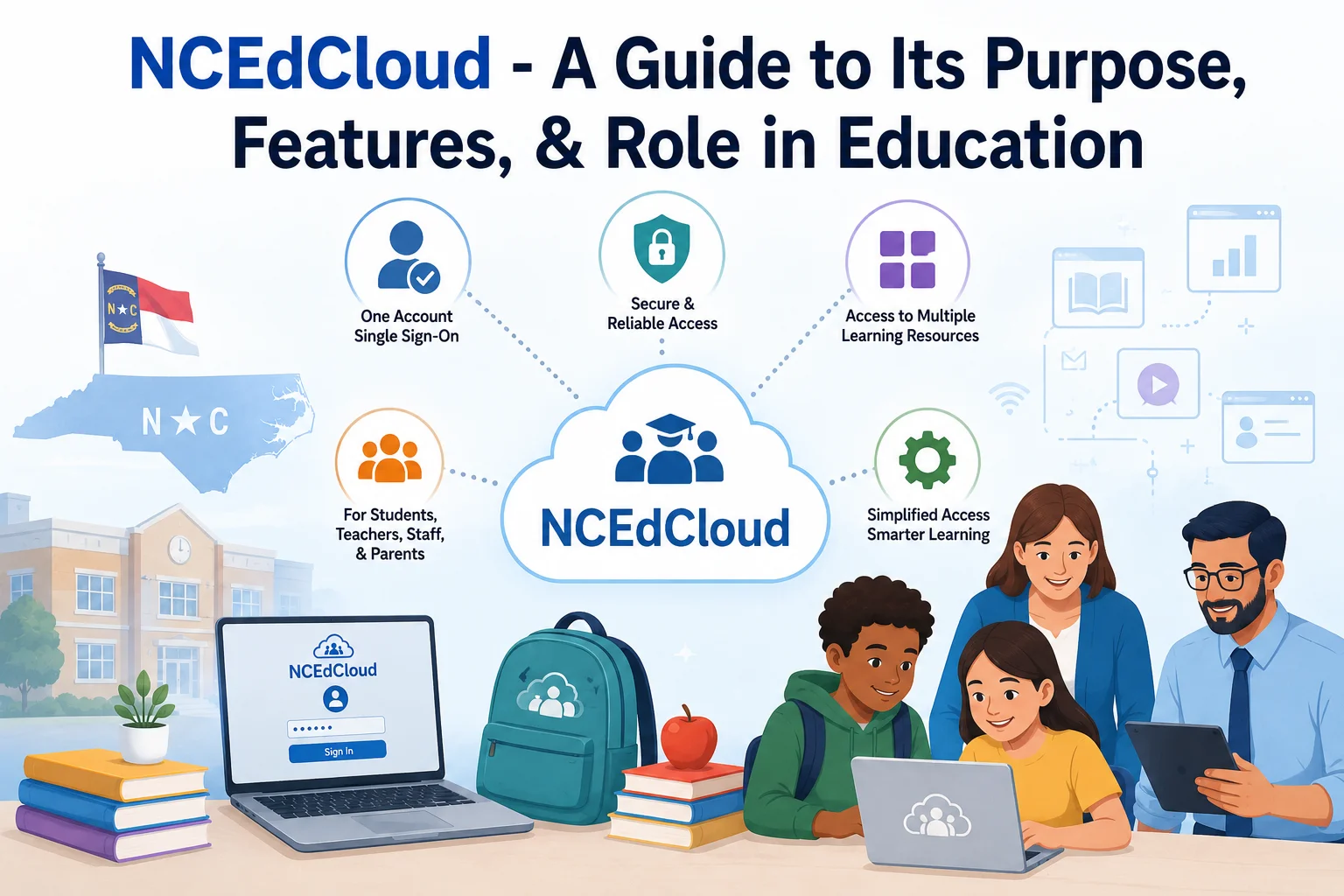
NCEdCloud – A Guide to Its Purpose, Features, & Role in Education
Schools today use more digital tools than ever. Students may need one platform for assignments, another for school records, and other services for communication, learning, or testing. Managing separate accounts for all these systems can quickly become confusing. This is one of the problems that NCEdCloud is designed to solve.
NCEdCloud, short for North Carolina Education Cloud, is a statewide identity and access management service used within North Carolina’s K-12 education system. Its main purpose is to give users a simple way to sign in to educational resources through one account. The official NCEdCloud documentation describes its goal as providing students, teachers, staff, parents or guardians, and other school community members with a unique account for accessing connected learning resources.
Rather than being a single learning platform where students complete every assignment, NCEdCloud works more like a central access point. It connects users with applications and services that their school or district has made available.
What Is NCEdCloud?
NCEdCloud is an identity and access management system created for North Carolina’s education community. The IAM part stands for Identity and Access Management. In simple terms, the system helps schools know who a user is and which educational resources that person should be able to access.
The idea behind the service is straightforward. Instead of requiring a student or teacher to remember several different usernames and passwords, NCEdCloud can provide one account that connects them with supported applications.
This approach is particularly useful in schools because technology is now part of everyday education. Students and staff can use several online services during a normal school day, and managing all those accounts separately can create unnecessary work.
NCEdCloud therefore acts as a central doorway to connected educational resources. After signing in, users can see the applications available to them and open the services they have permission to use.
Why Was NCEdCloud Created?
The need for a system like NCEdCloud comes from the growing number of digital services used by schools. The original NCEdCloud plans identified the problem of users having too many accounts for learning resources and aimed to give the education community a single set of credentials.
Managing many accounts can create problems for both users and school technology teams. A student who forgets several passwords may need help getting back into different services. At the same time, school administrators have to manage accounts, permissions, password changes, and access when students or employees join or leave an organization.
NCEdCloud brings many of these identity-related tasks into one system.
Its broader goals include:
- Making access to digital resources easier
- Reducing the number of separate accounts users need to manage
- Giving schools better control over user access
- Supporting single sign-on for connected applications
- Helping administrators manage accounts and permissions
- Providing self-service options for users
- Improving the overall digital experience for schools
The result is a system that focuses less on teaching content directly and more on making the digital side of education easier to manage.
How Does NCEdCloud Work?
The easiest way to understand NCEdCloud is to think of it as a central login door.
A user first signs in through the NCEdCloud IAM Service. Once authenticated, the system identifies the user’s account and determines which applications and resources are available to that person.
For example, a student and a teacher may both use NCEdCloud, but they will not necessarily see exactly the same options. Their access depends on their role and the applications connected to their school or organization.
The basic process looks like this:
- The user receives an NCEdCloud account.
- The user signs in through the NCEdCloud IAM Service.
- The system verifies the user’s identity.
- Available applications are displayed according to the user’s access.
- The user selects an application and can access it without repeatedly entering separate credentials when single sign-on is supported.
NCEdCloud’s single sign-on capability is one of its most important features. The official documentation explains that users can log into the portal once and then access integrated applications without logging in again to each one.
This makes the experience much simpler, especially for students who may use several digital resources during the school day.
What Does NCEdCloud Give Its Users?
NCEdCloud provides different benefits depending on the user’s role. Students, teachers, staff members, and administrators do not all have identical access.
For Students
Students can use their accounts to reach educational applications connected to their school or district. Instead of remembering a different login for every supported service, they can start from the NCEdCloud portal.
Younger students can also have alternative login options. NCEdCloud supports badges and QR-code-based login for PreK-5 students, allowing participating schools to use these methods instead of requiring younger children to type usernames and passwords.
For students, the main advantages are convenience and easier access to school technology.
For Teachers
Teachers have access to tools that help them manage student accounts in addition to accessing their own applications.
According to the official teacher documentation, authorized teachers can view student login information and, when needed, change student passwords. They can also provide account information to students and perform certain student account-management tasks.
This can be useful when a new class starts or when a student needs help getting into their account.
For School Staff
Staff members can use NCEdCloud to access the applications assigned to them. Their available services depend on their role and the systems integrated with their organization.
The platform also supports administrative roles. For example, authorized LEA administrators can manage certain employee and student functions, approve role requests, and handle other administrative tasks within the service.
NCEdCloud And Single Sign-On
One of the biggest reasons NCEdCloud is useful is single sign-on, commonly called SSO.
Without SSO, a student might have to open one application, enter a username and password, move to another application, and repeat the process. Doing this several times a day wastes time and creates more opportunities for forgotten passwords.
With NCEdCloud’s SSO approach, the user signs into the central service and can then access integrated applications without repeatedly entering credentials.
This does not mean that every educational website in North Carolina automatically works through NCEdCloud. Applications need to be integrated with the service, and access can depend on what a particular school or PSU has configured.
Account Management and Security
NCEdCloud is not only about convenience. Managing digital identities is also important for security.
Schools need to control who can access particular resources. A student should not automatically have the same permissions as a school administrator, for example. NCEdCloud uses identity and access management to connect accounts with appropriate roles and permissions.
The service also supports account lifecycle management, including processes for provisioning and de-provisioning accounts. This helps organizations manage access as people enter or leave the education system. The North Carolina School Connectivity Initiative also identifies NCEdCloud’s use of access controls, automated account management, and multi-factor authentication as parts of its security approach.
Users can also manage certain parts of their own accounts. For example, NCEdCloud provides options for changing passwords, while account recovery and challenge questions can help with password-related situations.
How Do Users Get Started?
The exact process can depend on whether someone is a student, teacher, or employee.
New users who are eligible to claim their accounts can begin through the NCEdCloud IAM Service. The official student instructions, for example, direct eligible students to my. ncedcloud. org, where they can select “Claim My Account” and follow the account setup process.
New employees can follow a similar process using the employee account-claim option. After creating their password and completing the required setup, they can use their NCEdCloud credentials to access available resources. Some users may also be prompted to configure multi-factor authentication.
Younger students may have their accounts provided or managed by teachers or authorized school staff rather than claiming them independently.
The Role of NCEdCloud in Education
The importance of NCEdCloud goes beyond simply giving users another login page. It supports the wider move toward digital education.
Modern schools rely on online platforms for many everyday activities. Students may access assignments, educational resources, assessments, and other services through computers or other connected devices. Teachers also depend on digital systems to organize their work and support students.
A centralized identity system can make this environment easier to manage.
Its role in education can be seen in several areas:
- Simpler access: Users have a central place to begin when accessing supported resources.
- Less password confusion: A single identity reduces the need to remember numerous separate credentials.
- Better account management: Schools can manage users and permissions through a centralized service.
- Support for digital learning: Students and teachers can reach connected online resources more easily.
- Improved administration: Authorized staff can manage accounts and roles according to their responsibilities.
- More consistent access: A statewide approach provides a common identity-management framework for participating education organizations.
In this way, NCEdCloud works in the background of digital education. Students may think of it simply as the place where they log in, but the system performs a larger identity and access function behind that experience.
Is NCEdCloud a Learning Platform?
This is an important distinction.
NCEdCloud itself is not simply a learning management system or online classroom. Its main job is identity and access management. It provides the account and authentication layer that can connect users with other educational applications.
Think of it this way: an online learning platform may contain lessons, assignments, grades, or classroom materials. NCEdCloud helps the user prove who they are and reach applications they are authorized to use.
This distinction explains why users may see several application icons after signing in. The portal is acting as a central access point rather than replacing every educational service.
Why NCEdCloud Matters for Schools?
Technology is most useful when it removes problems instead of creating new ones. A student should be able to spend time learning rather than repeatedly searching for passwords. Teachers should not have to spend unnecessary time dealing with basic account problems. School technology teams also need reliable ways to control access.
NCEdCloud addresses these needs by putting identity management at the center of the digital education experience.
It also creates a common framework that schools and districts can use when connecting supported applications. That can make it easier to manage digital access across a large education environment.
Final Thoughts
NCEdCloud is an important part of North Carolina’s digital education infrastructure. Its main purpose is to simplify identity and access management by giving eligible education users a central account for reaching connected learning resources.
For students, it can mean easier access to school applications. For teachers, it provides both application access and certain student account-management tools. For administrators and technology teams, it provides ways to manage identities, permissions, roles, and access.
As schools continue to depend on online resources, systems like NCEdCloud become increasingly useful. Rather than replacing educational applications, it helps connect users with them in a more organized and manageable way.